
Table of Contents
- What to Look for in Digital Tools for Household Organization
- Best Home Organization Apps for Documents, Inventory, and Meals
- Household Chore Apps That Keep Tasks From Piling Up
- Why a Shared Family Calendar App Holds the Whole System Together
- Home Maintenance Tracking Apps for the Jobs Nobody Remembers
- Free vs. Paid: What Household Organization Tools Actually Cost
- Privacy, Permissions, and Sharing Access Across the Household
- Conclusion
- Frequently Asked Questions
Last Updated: October 17, 2026
What to Look for in Digital Tools for Household Organization
The best digital tools for household organization keep shared work visible without adding another chore: fast capture, cross-device access, and a clear owner for every task.
Before you download anything, define what "organized" means for your household. Most families need four things: a shared calendar, a task list, a place for documents, and a meal plan. Tools that handle two of those well beat a suite that handles all four badly.
Here's the selection criteria we'd use:
- Shared access first. Every member needs their own login and edit rights, not a screenshot texted to them.
- Fast capture. Adding a task or event should take under 15 seconds on a phone.
- One source of truth. Duplicate lists across apps create the clutter you're trying to remove.
Best Home Organization Apps for Documents, Inventory, and Meals
The best home organization apps split into three jobs: storing household documents, tracking what you own, and planning meals. Quicken's 2026 roundup of household organization systems groups tools by exactly these uses, from document vaults to inventory trackers to family planners.
For documents, look for searchable storage with folder-level sharing: insurance policies, warranties, school forms, and tax records in one place. For inventory, a simple photo-and-label system beats a spreadsheet you'll never update.
Meal planning is where most households stall, because the plan and the shopping list live in different places. Our Busy Woman's 4-Week Meal Prep Guide and Grocery Planner ($24.99) solves that by pairing four weekly plans with grocery lists sorted by store section, plus a timed prep workflow.

| Job | What to look for | Common mistake |
|---|---|---|
| Documents | Searchable storage, folder sharing | Scanning without naming files |
| Inventory | Photo capture, labels | Tracking everything instead of valuables |
| Meals | Plan linked to grocery list | Planning meals you won't cook |
Household Chore Apps That Keep Tasks From Piling Up
Household chore apps work when they assign an owner and a due date to every task. A list without an owner is a wish; a list with an owner is a plan.
The pattern that holds up: recurring chores live in the app, one-off tasks get added the moment they're noticed, and a weekly review clears anything stale. Prioritization matters more than feature count.
The three chore-app patterns that actually work
- Recurring chores with a fixed reset day. Laundry, trash, pet care, and deep cleans repeat on a schedule. Set them to reset on a specific day and time (Sunday evening, for example) rather than "every 7 days," so the whole household sees the week ahead at the same moment.
- Rotating assignments. Dishes, bathroom, and vacuuming rotate so the same person is not always on the worst job. Apps that support assignment rotation (rather than a static owner) prevent the resentment that kills chore charts.
- Fast capture from the phone. A chore noticed in the moment should take under 15 seconds to add. If adding a task requires opening a laptop, it will not happen.
Tools worth testing, by household type
- Todoist, the strongest free tier for shared chores. The free plan supports up to 5 active projects and shared projects with other members, plus recurring tasks, labels, and priority levels. Paid tiers add reminders, more projects, and activity history. Best for households that want a simple shared task list without a calendar attached.
- Google Tasks, free and built into Gmail and Google Calendar. Tasks with due dates appear on the calendar, making it the lowest-friction option for households already using Google accounts. The trade-off is limited sharing: it's designed around individual lists, so shared chores usually run through a shared Google Calendar or Keep note instead.
- Microsoft To Do, free with a Microsoft account, supports shared lists, recurring tasks, and steps within a task. A good fit for households already using Outlook or Microsoft 365, since lists sync across phone, desktop, and web.
What to check before committing
- Does the free tier allow shared lists? Some task apps charge for collaboration, which defeats the purpose of a household system.
- Can recurring tasks reset on a chosen day? "Every 7 days" drifts; a fixed reset day keeps the household in sync.
- Does it work offline? A grocery-list app that fails in a store with poor signal is a chore in itself.
- Can you assign, not just share? A shared list everyone can edit but nobody owns becomes a list nobody trusts.
A common mistake is building an elaborate chore chart before testing whether the household will use it. Start with three chores and one week. Add only what survives.
Why a Shared Family Calendar App Holds the Whole System Together
A shared family calendar app is the backbone of household organization because every other tool eventually points back to a date: chores have due dates, appointments have times, meals have evenings.
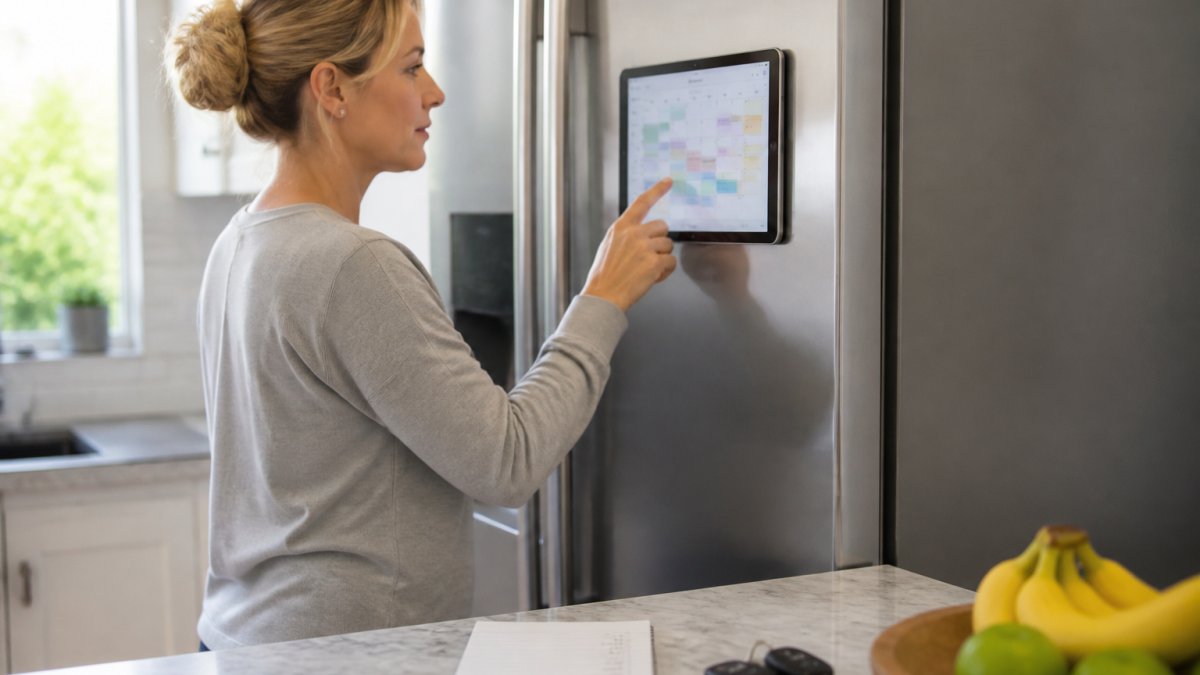
A 2024 roundup of family organization tools describes family apps as combinations of calendars, task lists, and shared planning, which matches what actually gets used. The calendar earns its place because it's the one screen everyone checks daily.
Setup matters more than the app you choose:
Busy Woman's 4-Week Meal Prep Guide and Grocery Planner →
- Create one shared calendar, not five personal ones.
- Add recurring commitments first: school, work, activities, trash day.
- Give every member edit rights so nobody is the household secretary.
- Review it together once a week for ten minutes.
Home Maintenance Tracking Apps for the Jobs Nobody Remembers
Home maintenance tracking apps exist for tasks with no natural trigger: the furnace filter, the gutters, the water heater flush.
The fix is simple: log every recurring maintenance job with a frequency and a season, then let reminders do the remembering.
- HVAC filter: monthly or per manufacturer guidance
- Gutters: twice a year, spring and fall
- Smoke detector tests: monthly, batteries yearly
Keep the manual and warranty for each appliance in your document folder, and note the model number next to the maintenance task.
Free vs. Paid: What Household Organization Tools Actually Cost
Most households can run a complete organization system on free tiers. Paid plans earn their money when you need more storage, more members, or automation the free versions lock away. The right question isn't free versus paid; it's which single limit you'll hit first.
What the free tiers actually give a household
- Todoist (free): up to 5 active projects, shared projects, recurring tasks, and priority levels; reminders and activity history require a paid plan. A household of two to four people rarely hits the project cap.
- Google Tasks and Google Calendar (free): unlimited tasks and calendars, sharing through calendar permissions. No paid tier is required; the limit is feature depth, not price.
- Microsoft To Do (free): shared lists, recurring tasks, and steps included with a Microsoft account. No paid tier is required for basic household use.
The limits households hit first, in order
- Storage. Document scans, appliance photos, and school forms consume free cloud storage faster than task or calendar limits. A household scanning warranties and receipts will likely hit a storage cap first.
- Shared members. Some task and calendar apps charge per collaborator or limit shared lists on the free plan. Check this before building a system around a tool.
- Automation and reminders. Push reminders, recurring-task automation, and integrations are the most common paid-only features. If the household relies on reminders to function, this is the upgrade that pays for itself.
- History and search. Activity history and advanced search are often paid. For most households this is a nice-to-have, not a need.
A practical upgrade order
- Start free across the board for one month, using the tools the household will actually open.
- Track what annoys you. That annoyance is the feature worth paying for: storage means upgrade cloud storage, missed reminders means upgrade the task app.
- Upgrade one tool at a time, and cancel anything you stopped opening after two weeks.
- Reassess at the six-month mark. Needs change with school schedules, moves, and new devices; a tool that fit in January may not fit in July.
Privacy, Permissions, and Sharing Access Across the Household
Privacy settings decide whether a shared system feels safe or invasive. Give each member their own account, share only what needs sharing, and keep private items private. Shared logins are the fastest route to a system everyone quietly abandons.
Set permissions deliberately:
- Full edit: adults managing the household schedule
- View plus add: older children who need to see plans and add their own events
- Private calendars: work schedules, medical appointments, personal reminders
For documents, share folders rather than individual files so access stays manageable as the folder grows. Review permissions twice a year, especially after a household member moves out or a shared device changes hands. Researchers publishing in PubMed Central on digital care-management tools describe the broader goal well: tools should help households coordinate next steps, not add another layer of administration.
Conclusion
The hardest part of household organization isn't finding tools. It's committing to one system long enough for it to become a habit, and that's where most families stall. RAK GROUP builds digital guides for exactly this problem, pairing clear structure with resources you can use the same day. Start with our meal prep and grocery planner to take weeknight dinners off your plate, then add a shared calendar and a single task list around it.
Frequently Asked Questions
What are the best digital tools for household organization?
The strongest setup pairs a shared family calendar app with a chore app and a document or inventory tool. Quicken's 2026 roundup names Quicken LifeHub, HomeZada, Cozi, Sortly, Vorby, and Todoist across household-document, home-management, family-organization, inventory, and task uses. Start with one shared calendar, then add chore tracking and document storage once the calendar is a habit. Adding every tool at once is the fastest way to abandon the system.
Which apps help families organize chores and household schedules?
Household chore apps work best when every member has their own login and can see only their assigned tasks. Cozi, Todoist, and OurHome appear in a 2024 roundup of family organization tools built around calendars, task lists, and shared planning. Look for recurring task support, reminders, and a shared view before you commit. A chore app that requires one person to update everyone else's list will fail within a month.
How much do household organization tools cost?
Most household tools offer a free tier that covers one household, with paid plans adding features like shared access, storage, or maintenance reminders. Quicken's 2026 roundup covers tools across several price points, from free task apps to paid home-management platforms. Budget for one paid tool at most and keep the rest free. If you are already paying for a family calendar, check whether it includes chore and list features before adding another subscription.
Can digital tools help organize home maintenance and bills?
Yes. A home maintenance tracking app logs service dates, warranty details, and recurring jobs like filter changes and seasonal inspections, so nothing depends on memory. Pair it with a household document tool for bills, insurance, and receipts. The practical gain is fewer missed deadlines and a service history you can hand to a contractor or buyer. Choose a tool that sends reminders by email or push notification, not one that only stores records.